What is a VPN? What They Do and Don’t Do
Virtual Private Networks — or VPN — are everywhere. For example, you’ll see them advertised on YouTube, bundled with antivirus suites, and recommended by tech‑savvy friends as a must‑have privacy tool. But what exactly does a VPN do, and just as importantly, what doesn’t it do?
If you’re new to the world of online privacy, this guide breaks down the essentials in plain English so you can decide whether a VPN is right for you.
🧩 What Is a VPN?
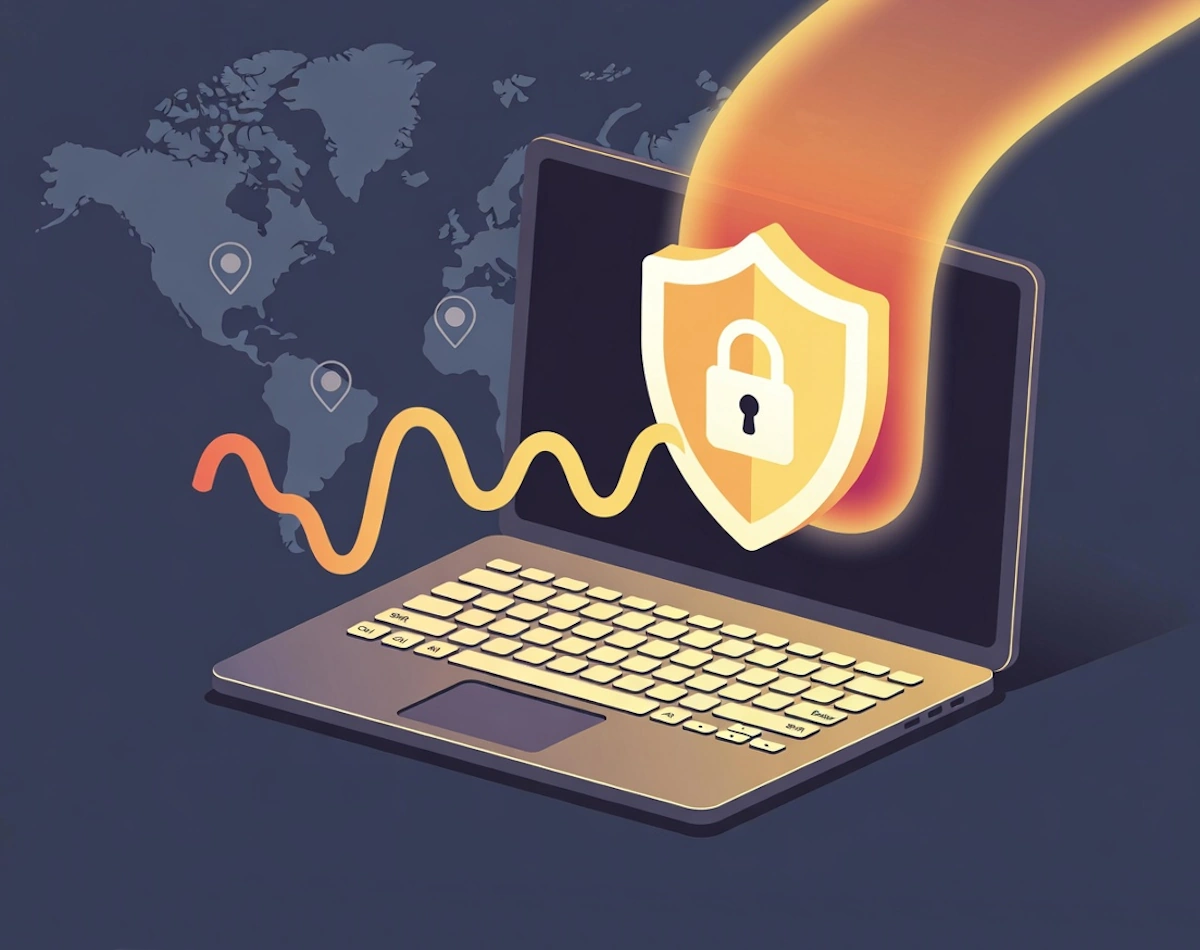
A VPN (Virtual Private Network) is a service that creates an encrypted connection between your device and a remote server. Think of it as a secure tunnel: your internet traffic travels through that tunnel before reaching the wider internet.
This means: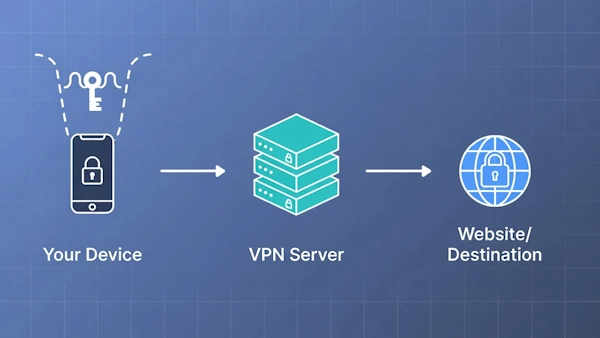
- Your IP address is hidden from websites and apps
- Your internet provider (ISP) can’t see what sites you visit
- Your data is encrypted, especially useful on public Wi‑Fi
- You can appear to be browsing from another country or region
That’s the core idea — privacy, security, and location masking.
🔒 What a VPN Does Do
Let’s break down the real, practical benefits.
1. Protects You on Public Wi‑Fi
Coffee shops, hotels, airports — these networks are convenient but notoriously insecure. A VPN encrypts your traffic, thus making it far harder for attackers to intercept your data.
2. Hides Your Browsing from Your ISP
Your ISP can normally see every site you visit. With a VPN, they only see that you’re connected to a VPN server — not what you’re doing.
3. Masks Your IP Address
Websites see the VPN server’s IP, not yours. This helps reduce tracking and can thus prevent websites from identifying your location.
4. Helps Access Geo‑Restricted Content
Some services restrict content by region. VPNs can make you appear to be browsing from another country, which may allow access to region‑locked content (within the terms of service of the platform).
5. Reduces Some Forms of Tracking
Advertisers often track you using your IP address. A VPN swaps that out for the VPN server’s IP, thus reducing one layer of tracking.
🚫 What a VPN Doesn’t Do
This is where many people get confused — or misled by marketing.
1. It Doesn’t Make You Anonymous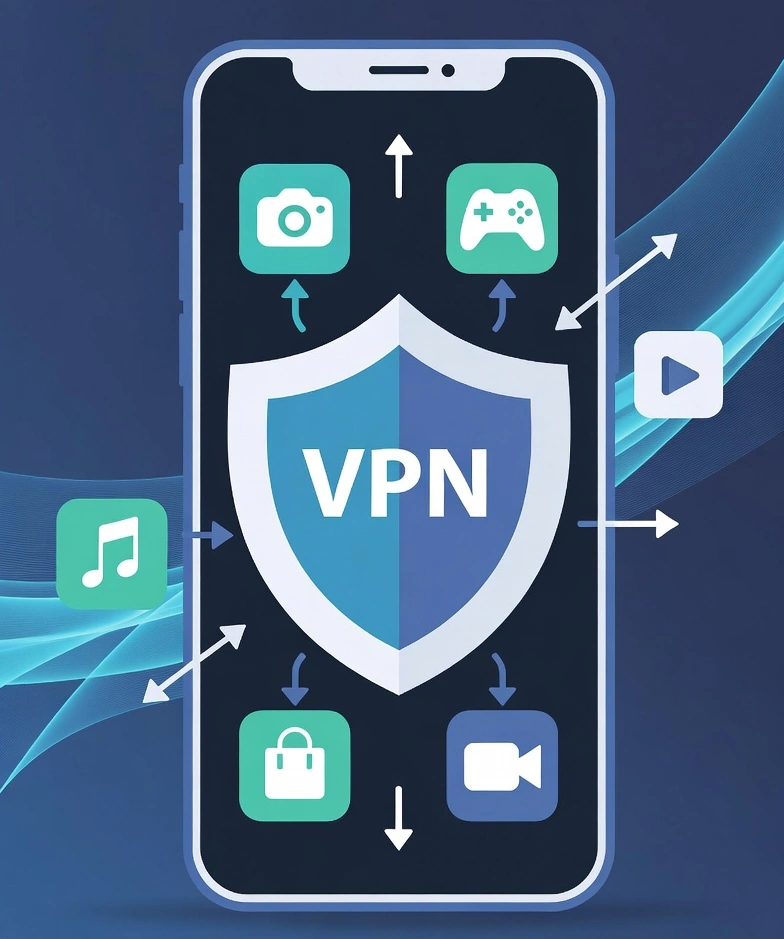
A VPN improves privacy, but it doesn’t make you invisible. Websites can still track you through:
- Cookies
- Browser fingerprinting
- Logged‑in accounts
- App‑level tracking
If you’re signed into Facebook, Facebook still knows it’s you.
2. It Doesn’t Protect You From Malware
A VPN is not an antivirus. It won’t stop:
- Viruses
- Ransomware
- Phishing attacks
- Malicious downloads
You still need proper security software and safe browsing habits.
3. It Doesn’t Stop Companies Tracking You Inside Their Apps
If you use a social media app, that app can still collect data about your activity. However, VPNs only hide your traffic from outsiders — not the app you’re using.
4. It Doesn’t Automatically Speed Up Your Internet
In fact, VPNs can sometimes slow things down because your data is being encrypted and routed through a remote server.
5. It Doesn’t Replace Good Security Practices
VPNs won’t help if you:
- Use weak passwords
- Reuse passwords across sites
- Skip software updates
- Fall for phishing emails
It’s a tool — not a magic shield.
🧠 When Should You Use a VPN?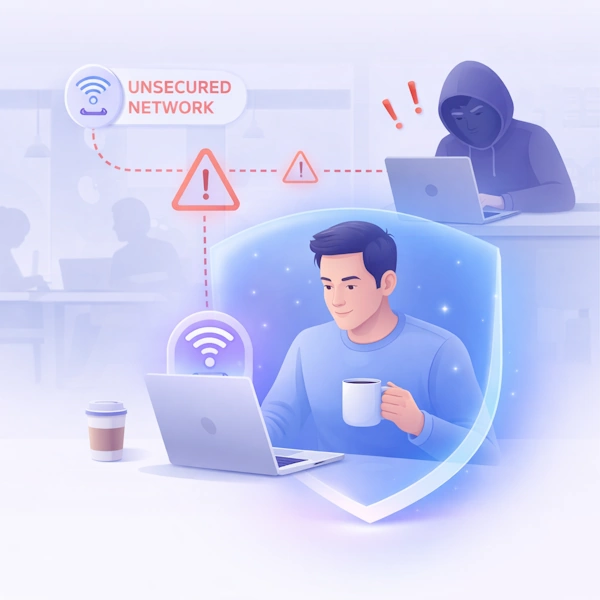
A VPN is especially useful when:
- You’re on public Wi‑Fi
- You want to reduce ISP tracking
- You need to access region‑specific content
- You prefer an extra layer of privacy
- You want to hide your IP from websites
For many people, leaving a VPN on all the time is convenient as well as adding a baseline level of protection.
🛠️ When You Might Not Need One
A VPN may not be necessary if:
- You’re only browsing at home and trust your ISP
- You’re using apps that already encrypt traffic end‑to‑end
- You’re gaming and want the lowest latency
- You’re using a streaming service that block VPNs
It’s about choosing the right tool for the job.
🧭 How to Choose a VPN
If you decide a VPN is right for you, look for:
- A clear no‑logs policy
- Strong encryption (AES‑256 or WireGuard‑based protocols)
- Servers in the regions you need
- Good speeds
- Transparent privacy practices
- A reputable company (avoid free VPNs — in fact, they often are the product. )
🎯 Final Thoughts
VPNs are a powerful privacy tool, but not a cure‑all. Think of it as one layer in a broader security strategy, coupled with strong passwords, two‑factor authentication, software updates, and cautious browsing.
When used correctly, a VPN can make your online life safer, more private, and more flexible. Just make sure you understand what it can and can’t do so you get the most out of it.
For more great IT security tips check out our Index Page