Change The Start Menu To Small Icons
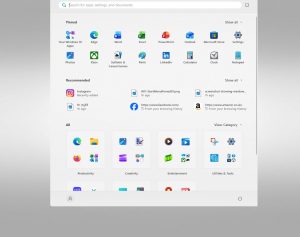
Windows Vista by default uses large size icons for programs in the ‘Start Menu’ however, many people prefer to have smaller icons, and a less cluttered menu, and we’re often asked by customers to change them, so here’s a quick run down of how to do it for those that like a little DIY!
- Right click on the Windows button and select Properties

- In the Properties dialog select the radio button marked Start Menu and click the Customise button.

- In the next dialog scroll to the bottom of the list and de-select the option marked Use Large Icons.

Now when you next use the Start Menu you will be presented with a list containing small icons.