The Difference Between RAM, Storage, and Cache — Explained Simply
When you’re trying to understand how a computer works, three terms come up again and again: RAM, storage, and cache. They all hold data, they all affect performance, and they all sound similar, which is why they’re so often confused.
But each one plays a very different role. Once you understand what they do, it becomes much easier to choose the right PC, troubleshoot slowdowns, and, of course, make sense of upgrade options.
Let’s break them down in the simplest way possible.
🧠 What Is RAM? (Random Access Memory)
RAM is your computer’s short‑term memory, it stores the data and programs your system is actively using right now.
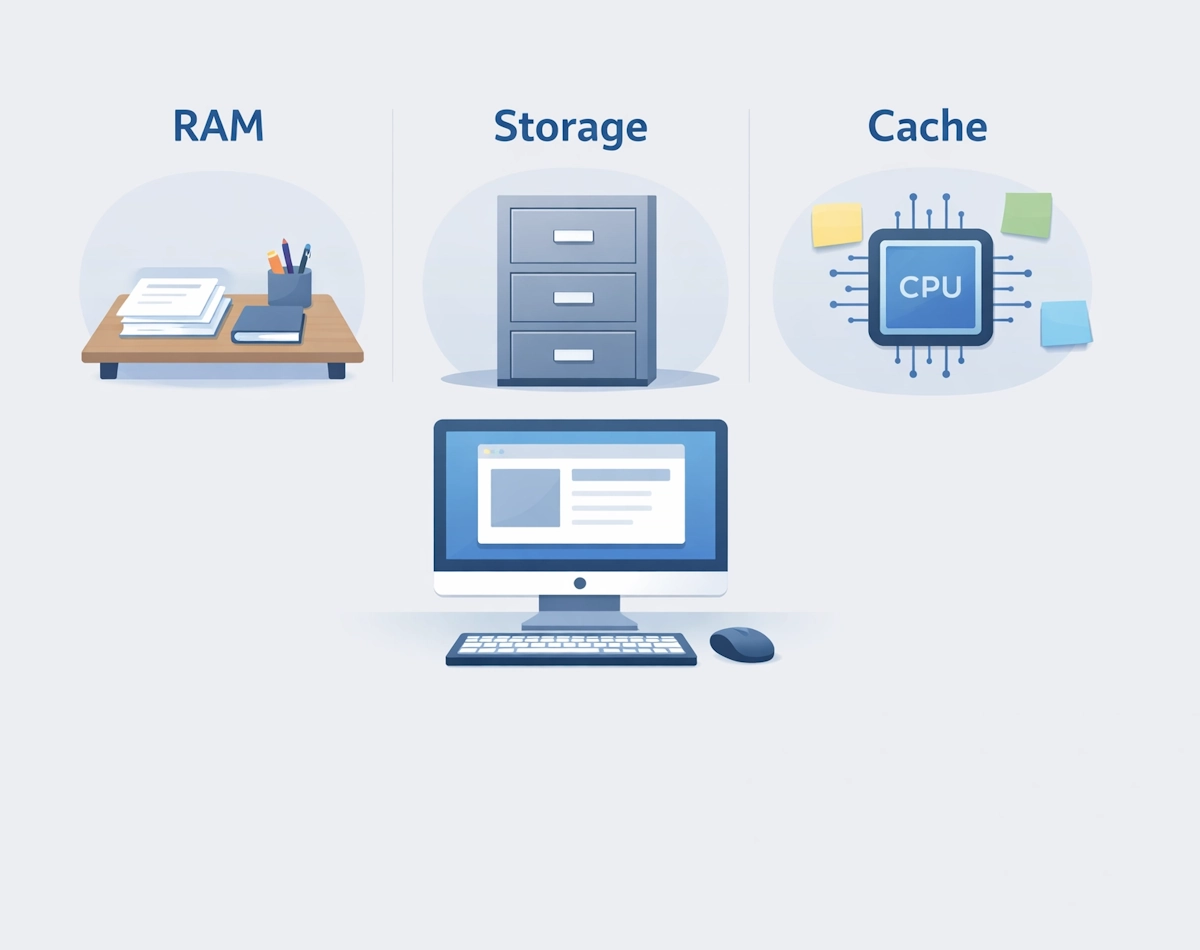
Think of RAM like a desk
- The bigger the desk, the more papers you can spread out at once.
- Conversely, the smaller the desk, the more often you have to shuffle things around.

What RAM affects
- How many apps you can run at the same time
- How smoothly programs respond
- How quickly your system switches between tasks
Typical RAM sizes
- Basic systems: 4-8GB
- Everyday use: 8-16GB
- Heavy multitasking or gaming: 16-32GB
RAM is fast, but it’s also temporary – when you turn off your PC, everything in RAM disappears.
💾 What Is Storage? (SSD or HDD)
Storage is your computer’s long‑term memory; it keeps your files, apps, and operating system even when the power is off.
Think of storage like a filing cabinet
- It holds everything permanently.
- You can store huge amounts of data, but accessing it is slower than RAM.
Two main types
- SSD (Solid State Drive) – fast, quiet, reliable
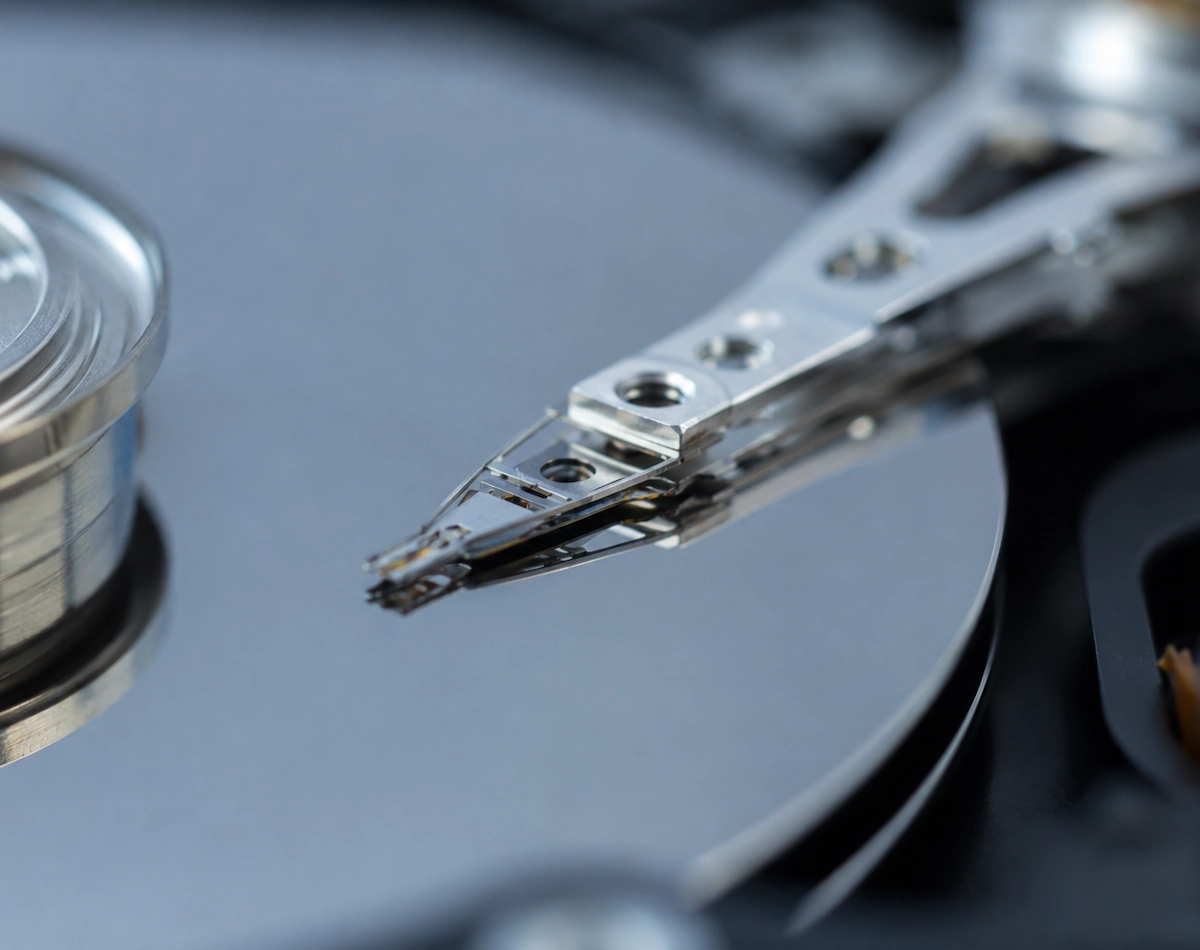
- HDD (Hard Disk Drive) – slower but cheaper for large capacities
What storage affects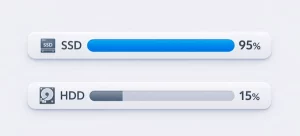
- How quickly your PC boots
- How fast apps load
- How much data you can keep
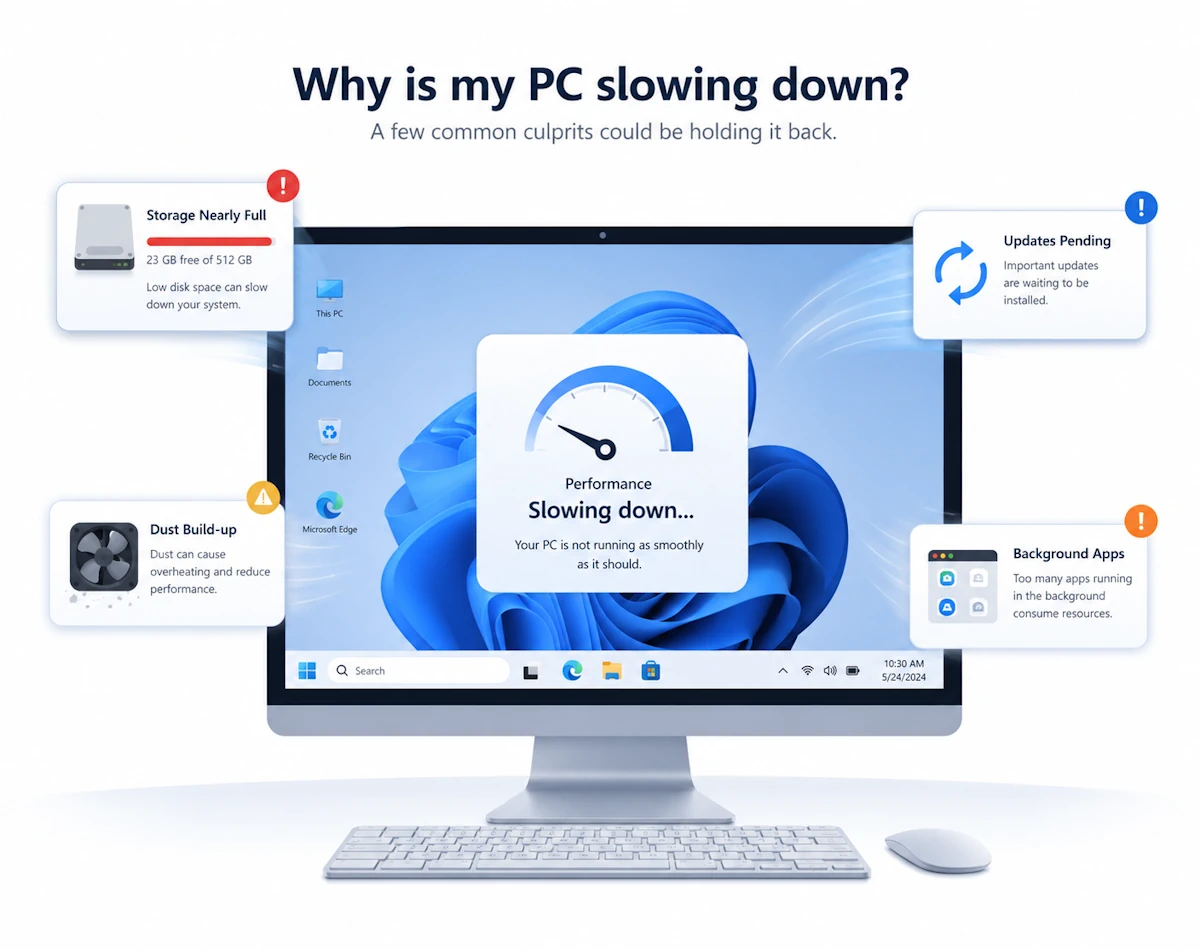
If your storage is full, your PC slows down, even if you have plenty of RAM.
⚡ What Is Cache?
Cache is your CPU’s ultra‑fast micro‑memory, it stores tiny pieces of data the processor needs immediately.
Think of cache like sticky notes on your monitor
- Only the most important, frequently used information goes there.
- It’s much smaller than RAM but far faster.
Cache levels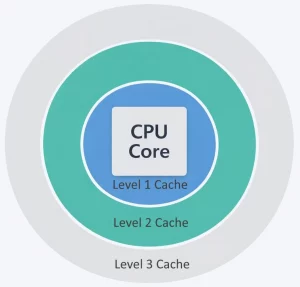
- L1 Cache – extremely fast, very small
- L2 Cache – larger, slightly slower
- L3 Cache – even larger, shared across CPU cores
What cache affects
- How quickly your CPU can process instructions
- Overall system responsiveness
- Performance in tasks such as gaming, editing, and multitasking
Cache is invisible to most users, but it has a huge impact on speed.
🔍 RAM vs Storage vs Cache – Quick Comparison
| Feature | RAM | Storage | Cache |
|---|---|---|---|
| Purpose | Short‑term working memory | Long‑term data storage | Ultra‑fast CPU memory |
| Speed | Fast | Slow-Fast (HDD → SSD) | Extremely fast |
| Size | GBs | GBs-TBs | MBs |
| Data kept when PC turns off? | ❌ No | ✅ Yes | ❌ No |
| Affects | Multitasking, responsiveness | Boot times, load times, capacity | CPU speed, overall performance |
🖥️ Why All Three Matter
A balanced system needs all three working together:
- Cache feeds the CPU at lightning speed.
- RAM holds the active tasks and apps.
- Storage keeps everything saved long‑term.
If any one of them is too small or too slow, the whole system feels sluggish.
🧩 Which Should You Upgrade?
Upgrade RAM if: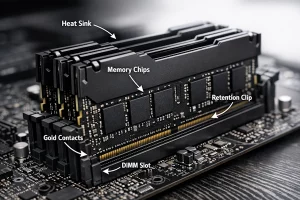
- Your PC slows down, especially with multiple apps open
- Your browser struggles with many tabs
- You see “low memory” warnings
Upgrade storage if:
- You’re running out of space
- Your PC takes ages to boot
- Apps load slowly (especially on HDDs)
You can’t upgrade cache
It’s built into the CPU therefore, the only way to get more is to upgrade the processor.
Final Thoughts
RAM, storage, and cache all store data, but they do it in very different ways. Once you understand their role,s, it becomes much easier to diagnose slowdowns, choose the right hardware, and, as a result, get the best performance from your PC.
For more great IT Tips visit our Index Page