Load Web Pages From The Task Bar
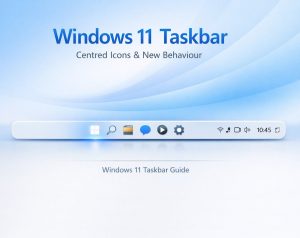
If you’re a bit of an internet fiend and you find yourself continually opening Microsoft Windows Internet Explorer then why not modify your Taskbar so that you can just type a website address and have Internet Explorer open automatically.
- Right click on an empty area of the Taskbar
- From the context menu Select Toolbars and Address.
- You will now see a small window on your Taskbar Where you can simply type in a web address and have Internet Explorer open automatically.