Adding Backgrounds To Excel Spreadsheets
If you’re someone who spends a long time looking at boring black and white Microsoft Excel spreadsheets you’ll appreciate this top to add some colour to your sheets.

In Microsoft Office 2007 it is possible to use any picture you want as the background for all your spreadsheet data thus adding a bit of spice to your work.
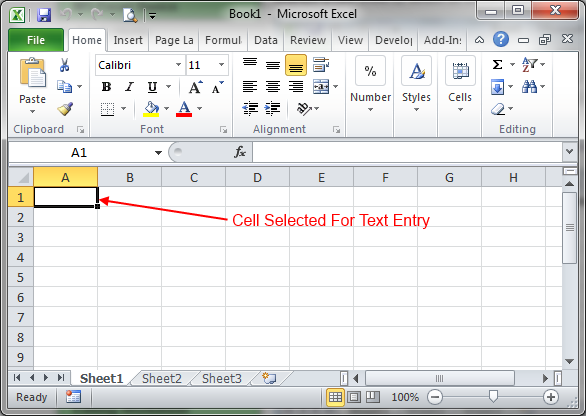
Once you have your spreadsheet ready, click the ‘Page Layout’ tab, you will then see a an option entitled ‘Background’

Use the standard Windows File Selector box to navigate to your chosen background picture, and this will then be added to your Worksheet.