Disable Disk Indexing
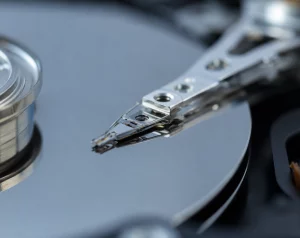
ile indexing may be useful for those people who love to scatter files all over their hard drives and can never find them, however such convenience comes at a price, and using file indexing can have a noticeable impact on system performance.
Turning off the indexing service is one way to help to squeeze every last bit of processor power out of your P.C.
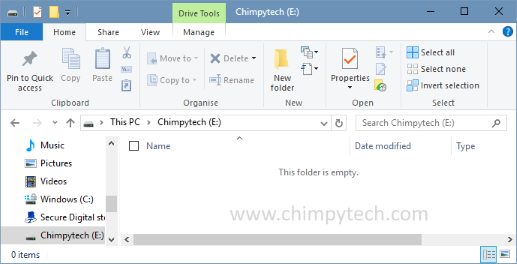
- Open up ‘My Computer‘
- Right click on the icon for your hard drive and select Properties.
- Un-tick the box marked ‘Allow Indexing Service….’ that can be found under the General Tab.

You should now see a marked increase in hard drive performance