Why Public Wi‑Fi Is a Risk and How to Use It Safely
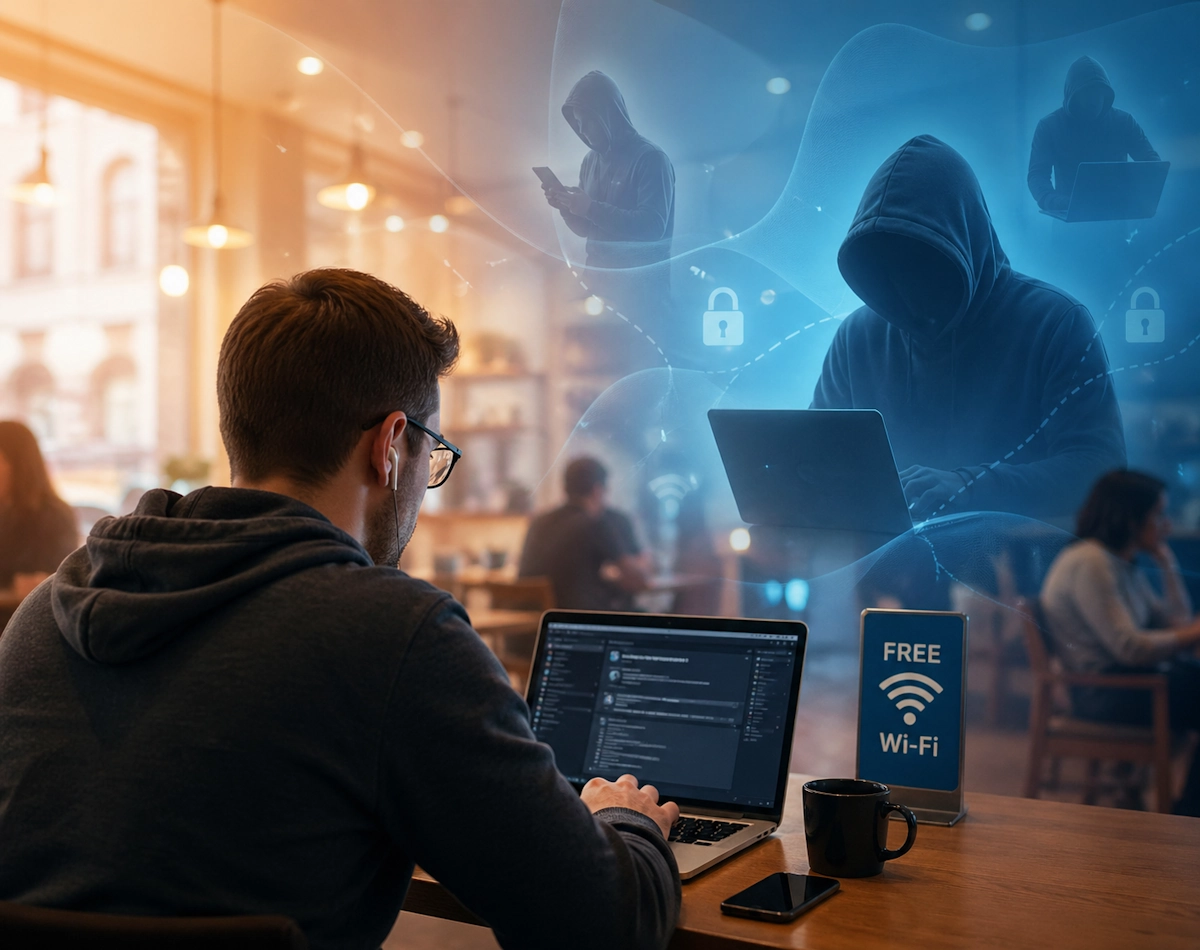
Public Wi‑Fi feels incredibly convenient. After all, it is everywhere now, from cafés and hotels to trains and shopping centres. However, once you understand how these networks work, you quickly realise that convenience often comes with hidden risks. Fortunately, when you know what to look out for, you can still use public Wi‑Fi safely and confidently.
Why Public Wi‑Fi Is Risky
1. Your Data Might Not Be Encrypted
Many public networks do not encrypt traffic. As a result, anyone connected to the same network could potentially intercept what you are sending or receiving. Even though most websites now use HTTPS, unencrypted apps and older sites still expose information that attackers can capture.
2. Attackers Can Create Fake Public Wi‑Fi Hotspots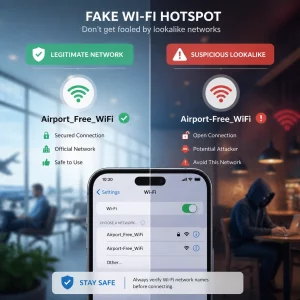
Cybercriminals often set up “evil twin” hotspots. These look legitimate at first glance because they use names like CoffeeShop WiFi or Free Airport Internet. Once you connect, the attacker can monitor your activity or redirect you to fake login pages. Consequently, you may hand over passwords without realising it.
3. Man in the Middle Attacks Are Easier
On public Wi‑Fi, attackers can position themselves between you and the websites you visit. This is known as a Man in the Middle attack. When this happens, your traffic flows through the attacker first. As a result, they can read, modify or inject data before it reaches its destination.
4. Shared Networks Increase Exposure
Public Wi‑Fi often places every device on the same local network. Therefore, other users can attempt to scan your device, probe open ports or exploit outdated software. Even if you do nothing sensitive, simply being visible on the network increases your risk.
How to Use Public Wi‑Fi Safely
The good news is that you can reduce these risks significantly. Once you follow a few simple habits, public Wi‑Fi becomes far safer to use.
1. Prefer Mobile Data for Sensitive Tasks
Whenever possible, switch to your mobile data connection for anything involving banking, shopping or personal accounts. Mobile networks encrypt traffic by default. As a result, they are much harder for attackers to intercept.
2. Use a VPN for Extra Protection
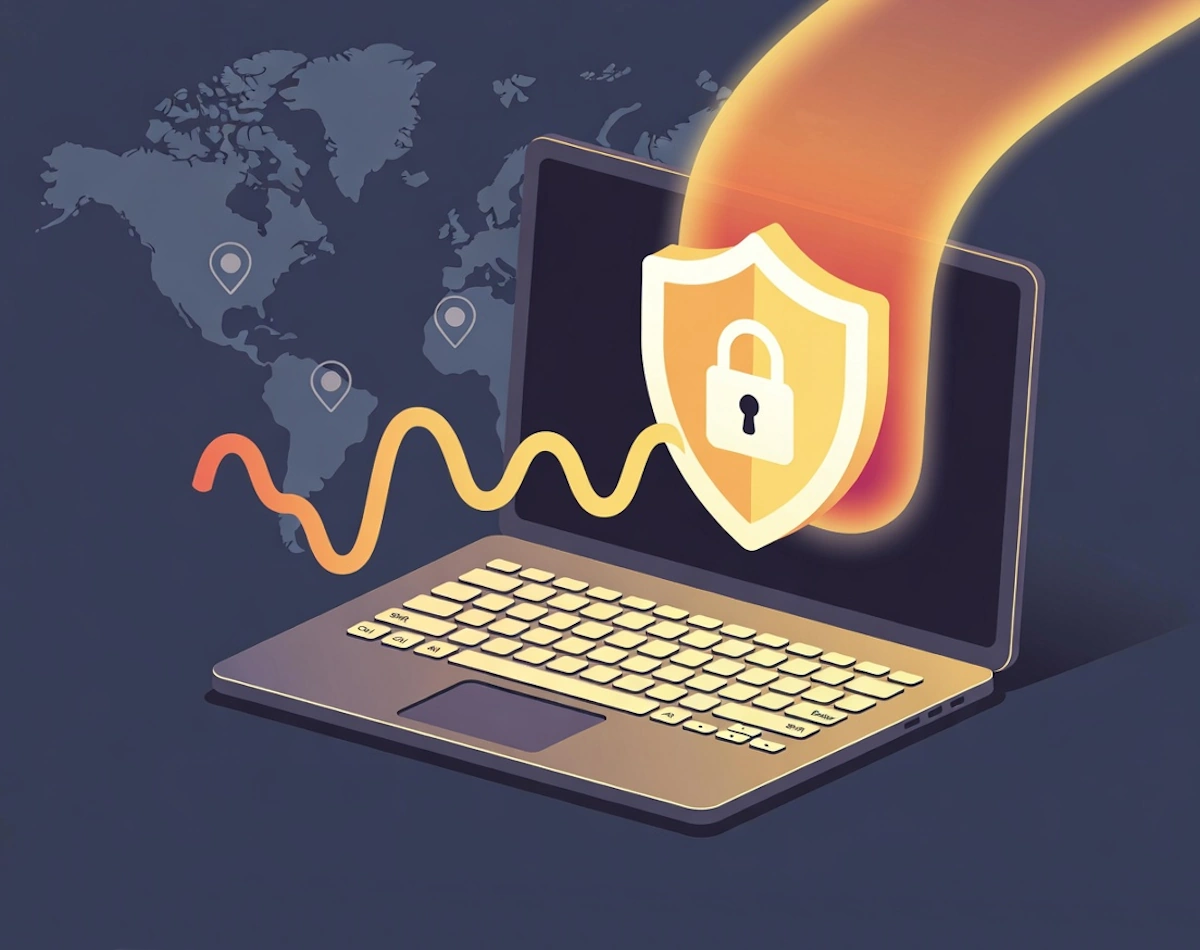
A Virtual Private Network creates an encrypted tunnel between your device and the VPN server. Consequently, anyone on the same public network cannot see what you are doing. Although a VPN does not protect you from everything, it is one of the most effective tools for securing public Wi‑Fi sessions.
For more information on VPN’s read our article here
3. Check for HTTPS Before Logging In
Always look for the padlock icon in your browser. If a site does not use HTTPS, avoid entering any personal information. Even with HTTPS, stay alert because attackers can still attempt to redirect you to fake versions of legitimate sites.
4. Turn Off Sharing Features
Before connecting, disable file sharing, printer sharing and network discovery. These features are useful at home. However, on public Wi‑Fi they expose your device unnecessarily. Once you turn them off, you immediately reduce your attack surface.
5. Keep Your Device Updated
Operating system and app updates often include security patches. Therefore, staying up to date helps protect you from known vulnerabilities that attackers frequently target on public networks.
6. Use Two Factor Authentication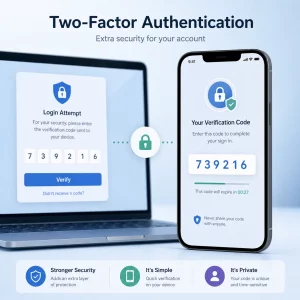
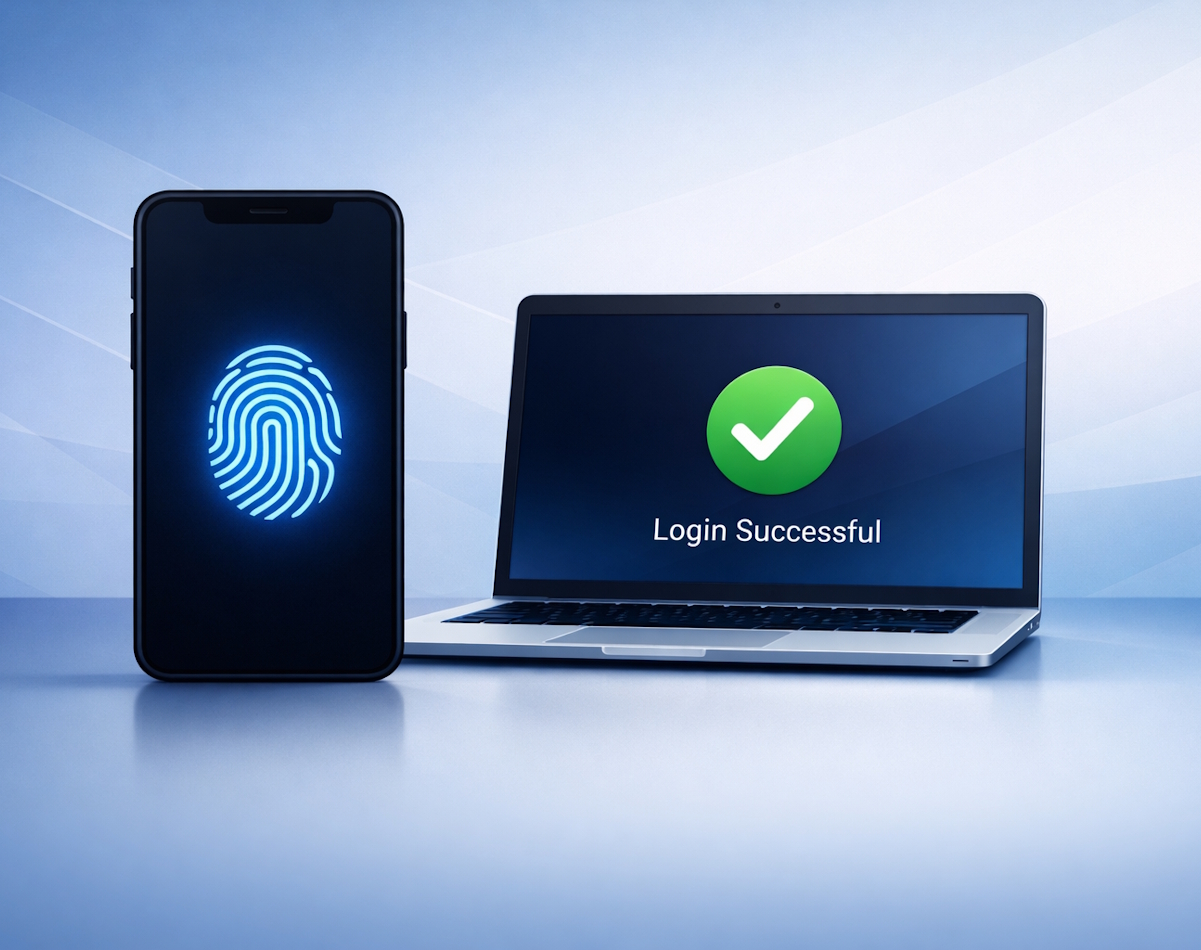
Even if someone manages to steal a password, two factor authentication can stop them from logging in. Since it adds a second step, such as a code or prompt, it makes your accounts far harder to compromise.
7. Forget Networks After Use
Once you finish using a public hotspot, remove it from your saved networks. Otherwise, your device might reconnect automatically in the future. This is risky because attackers often mimic the names of popular hotspots.
Final Thoughts on Public Wi‑Fi
Public Wi‑Fi is incredibly useful. However, it becomes much safer once you understand the risks and take a few simple precautions. When you combine good habits with tools like HTTPS and VPNs, you can browse, stream and work with far greater confidence. Ultimately, staying aware is the best way to protect yourself whenever you connect away from home.
For more great security tips and advice visit our Index Page