Creating A Numbered List
The process for creating a numbered list is exactly the same as for a bulleted list.
- To create your numbered list simply type in all the items you want listed, each on its own seperate line.
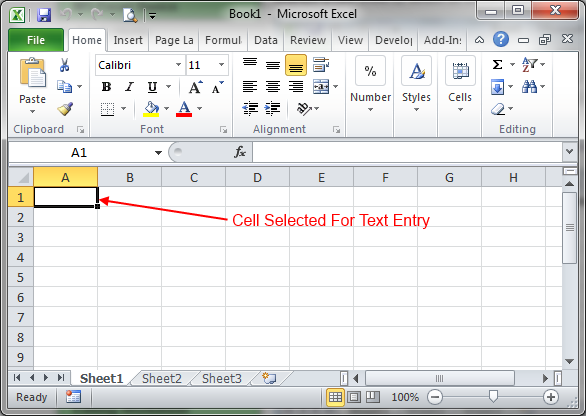
- Then, if its not already active, activate the Home tab on the ribbon.
- next highlight the block of text you wish to turn in to a list.
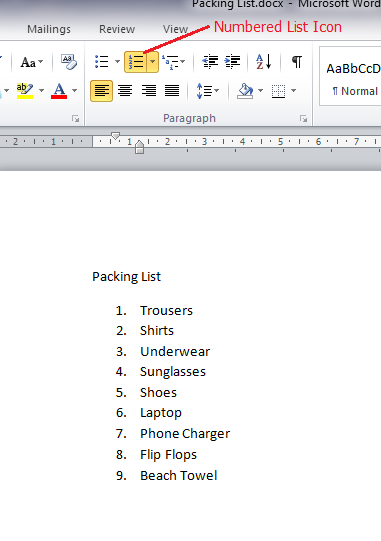
- Click the ‘numbering’ icon on the ribbon to create your list.
Top Tip
Rather than typing your items first you can hit the ‘Numbering’ icon before you start your list, and then type the list, when you get to the end of the list simply hit the ‘Numbering’ icon again to stop the list.