DNS Explained: Why Changing It Can Speed Up Your Internet
Introduction
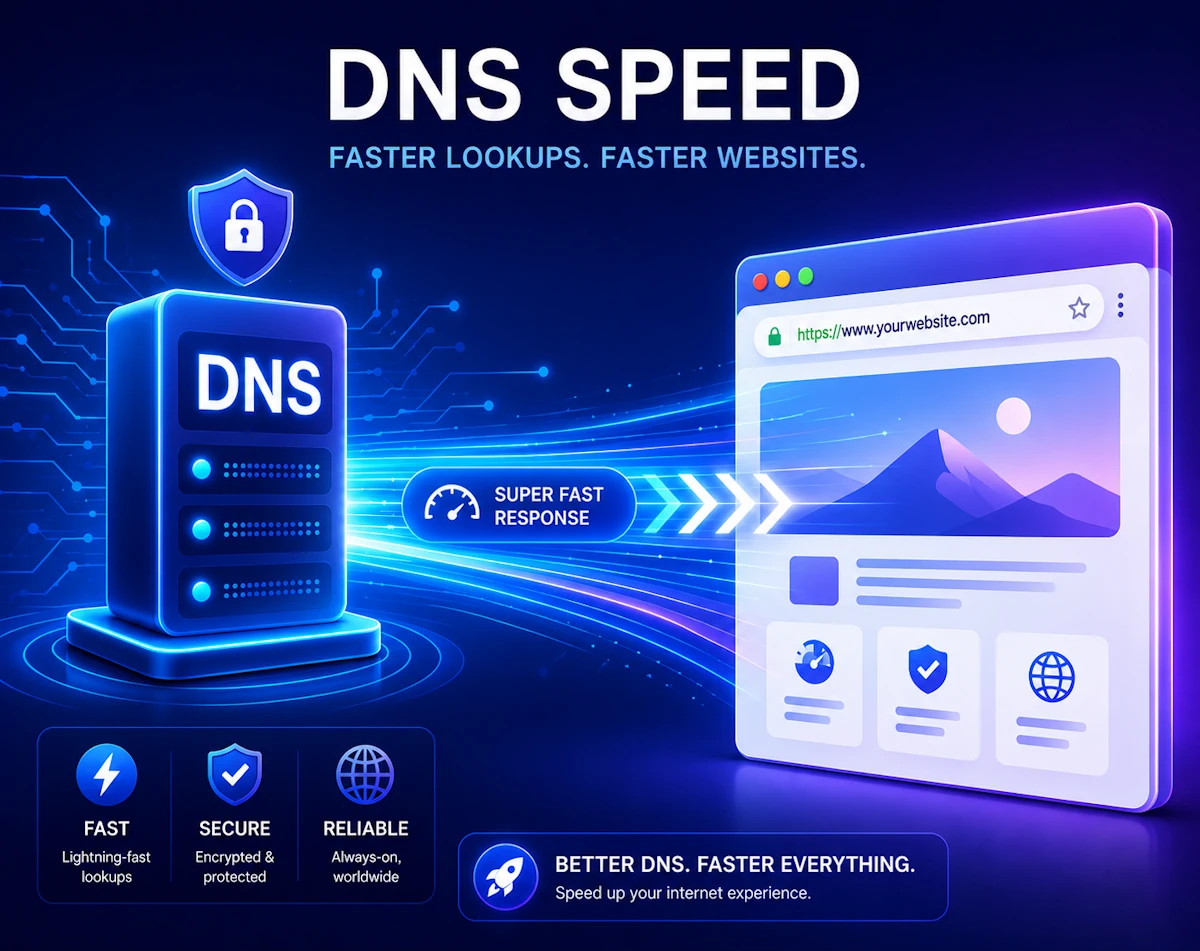
When your internet feels slow, most people blame the Wi‑Fi, the router, or the broadband provider. However, there is another hidden factor that can make your connection feel sluggish: your DNS. Since DNS works quietly in the background, many users never think about it. Yet switching to a faster DNS service can noticeably improve how quickly websites load.
This guide explains what DNS is, how it affects speed, and why changing it can give your internet a boost.
What DNS Actually Does
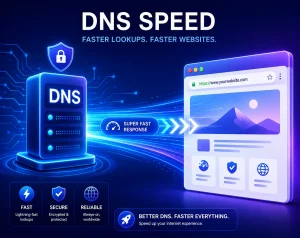
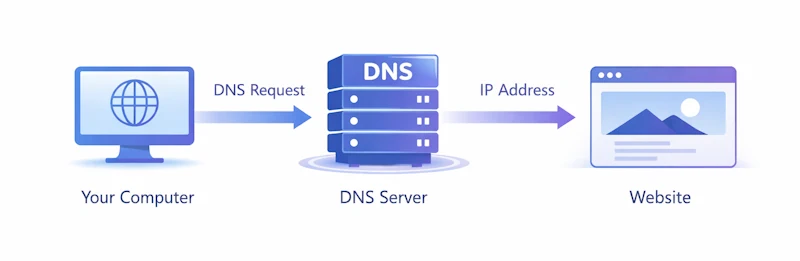
DNS stands for Domain Name System. It works like the internet’s phone book. Every website has an IP address, which is a long string of numbers. Because nobody wants to type numbers like 142.250.187.206 into a browser, DNS converts human‑friendly names like google.com into the correct IP address.
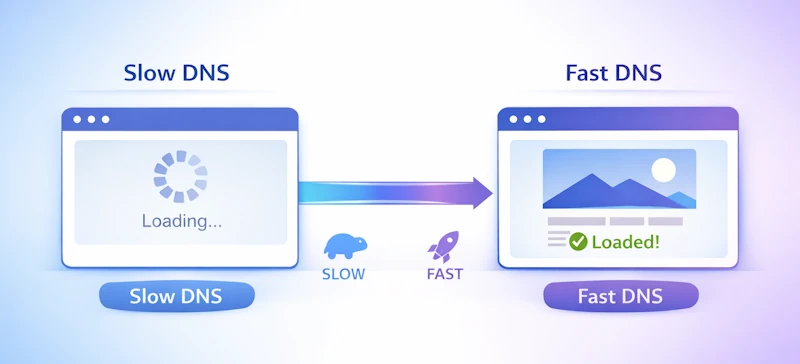
Every time you visit a website, your device asks a DNS server for directions. If that DNS server is slow, overloaded, or far away, your browser waits longer before it can load the page.
Why DNS Affects Internet Speed
DNS does not increase your download speed. Instead, it reduces the delay before a website starts loading. This delay is called latency.
Here is how DNS influences your experience:
- Faster lookups A quick DNS server responds in a few milliseconds. A slow one can take hundreds of milliseconds. That difference adds up across every website, image, script, and ad your browser loads.
- Better routing Some DNS providers use smart routing to direct you to the nearest or fastest server for the site you are visiting.
- More reliable uptime If your ISP’s DNS servers are overloaded, your connection may feel inconsistent. A stable DNS provider avoids these dips.
- Improved security Some DNS services block malicious sites, phishing pages, and trackers. This can reduce unwanted connections and speed up browsing.
Signs Your DNS Might Be Slowing You Down
You may benefit from changing DNS if you notice:
- Websites take a long time to start loading
- Your browser says “resolving host” for several seconds
- Your internet feels slow even though speed tests look fine
- Some sites fail to load until you refresh them
- Your ISP has known DNS outages or congestion
Popular DNS Providers Worth Trying
Although your ISP sets DNS automatically, you can switch to a faster or more reliable option. Here are the most common choices:
- Cloudflare DNS (1.1.1.1) Known for speed and privacy. Often the fastest option in the UK.
- Google Public DNS (8.8.8.8) Very reliable with global coverage.
- OpenDNS (208.67.222.222) Offers optional filtering and parental controls.
- Quad9 (9.9.9.9) Focuses on security and blocking malicious domains.
Each provider publishes its own performance data, but real‑world results vary depending on your location.
How to Change Your DNS
You can change DNS on your router or on individual devices. Changing it on the router updates every device in your home. We will give the instructions here to change it on Windows 11, as it’s the dominant operating system at the time of writing. The instructions will be broadly similar for other operating systems
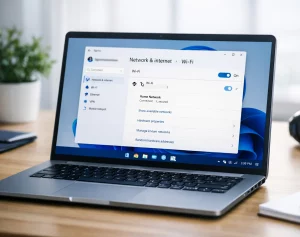
On Windows 11
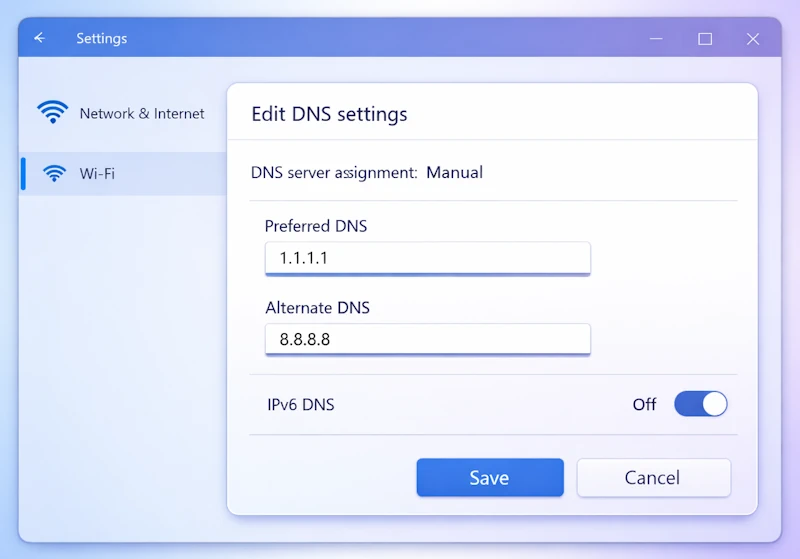
- Open Settings
- Select Network and Internet
- Choose Wi‑Fi or Ethernet
- Select Hardware properties
- Scroll to DNS server assignment
- Click Edit
- Switch to Manual
- Enter your preferred DNS addresses
- Save your changes
On Your Router
Every router interface is different, but the steps are similar:
- Log in to your router’s admin page
- Find the Internet, WAN, or DNS settings
- Enter the new DNS addresses
- Save and reboot the router
Does Changing DNS Always Help
Switching DNS often improves responsiveness, but it is not a magic fix. If your broadband connection is slow due to congestion, poor Wi‑Fi, or a weak signal, DNS will not solve those issues. However, it is one of the quickest and easiest tweaks you can make, and it usually delivers a noticeable improvement.
If you want to test your current and /or alternative DNS servers, try out the low cost DNS Benchmark tool from GRC.
Final Thoughts
DNS is one of the most overlooked parts of your internet setup. Yet it plays a crucial role in how quickly websites load. Since changing DNS is simple and reversible, it is a worthwhile optimisation for most users. After switching, you may find that pages open faster, browsing feels smoother, and your connection becomes more reliable.
For more great IT tips visit our Index Page